

GETTING STARTED · FINAL CHECK
Before the first customer arrives.
Check the entire shopping experience.
Before launching your online store, checking the appearance of the homepage is not enough. Go through the catalog, cart, checkout, delivery, and order processing to identify errors before actual sales begin.
Use this checklist as a shared record for your team and Connect. For each item, record the result, the person responsible, and anything that still needs to be corrected.
Go through the guide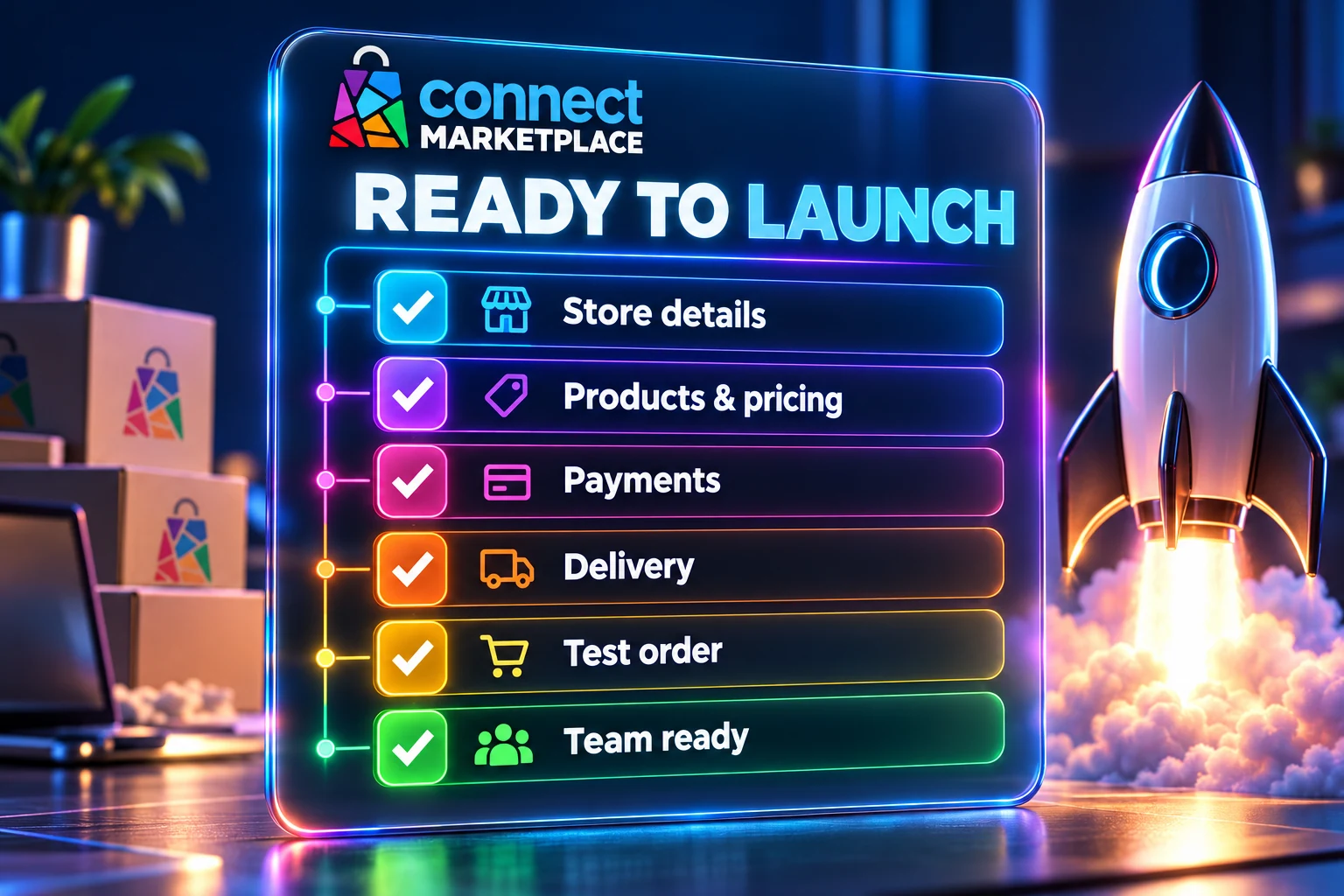
1. Store identity and content
Open the storefront and check the content from the customer's perspective. Do not rely only on the view in the administration panel.
- The name, logo, and brand description are displayed correctly.
- Contact and business information is up to date and easy to find.
- Navigation and key links lead to the appropriate pages.
- There are no test texts, incomplete labels, or empty key pages.
- Active languages have the content intended for launch.
2. Products, prices, and availability
- The products you are launching with have clear names, descriptions, and appropriate photos.
- Prices, tax display, and sales units have been checked for your business model.
- Variants and options lead to the correct selection, price, and availability.
- Unavailable items behave according to the agreed rules.
- Costs and restrictions important for purchasing are clearly explained.
3. Payments, delivery, and checkout
Also check an address outside the delivery area and the conditions under which an option must not be offered. The availability of one option for one example does not confirm all scenarios.
- Customers are shown only the payment methods you intend to use.
- Correct delivery options are available for representative addresses.
- The delivery cost and total amount match the settings.
- If you offer personal pickup, it has clear details and instructions.
- Required details and purchase information are available before the order is confirmed.
4. Orders, notifications, and your team's work
Check that notifications are actually received and review the processing result. A confirmation on the screen alone does not confirm that the message reached the inbox or that the external system completed its task.
- The agreed test order appears in the appropriate administration panel.
- Items, options, contact details, and amounts have been transferred correctly.
- Expected notifications arrive at the appropriate recipients.
- Responsible team members know how to recognize and process a new order.
- If you use an integration, printout, or other additional system, the agreed workflow has been checked.
5. Mobile devices, browsers, and basic usability
- Text, prices, and buttons are readable on mobile devices.
- Photos, menus, and forms do not extend beyond the screen.
- The customer can open a product, select options, and complete the purchase.
- Important information does not depend only on color or its position on a large screen.
- Key steps have also been checked on a computer in the browser used by customers.
6. Final launch decision
Record what was checked, when, and with what result. An incorrect amount, faulty payment, unavailable delivery, or missing key processing is a reason to fix that area before going live.
With the Connect team, confirm readiness, the sales start time, and the person monitoring the first orders. Track minor adjustments as separate tasks, with an assigned person and priority.
Frequently asked questions
Is one test order enough?
One successful example confirms only the tested case. Choose examples that cover active payment and delivery methods and important product options.
What if we find a problem immediately before publication?
Record the steps and the impact on purchasing, then immediately inform the responsible person and the Connect team. Align the launch according to whether the problem prevents safe and correct processing.